VAG Diagnostic Guide 2026: Mastering SFD 2 and Modern Component Protection

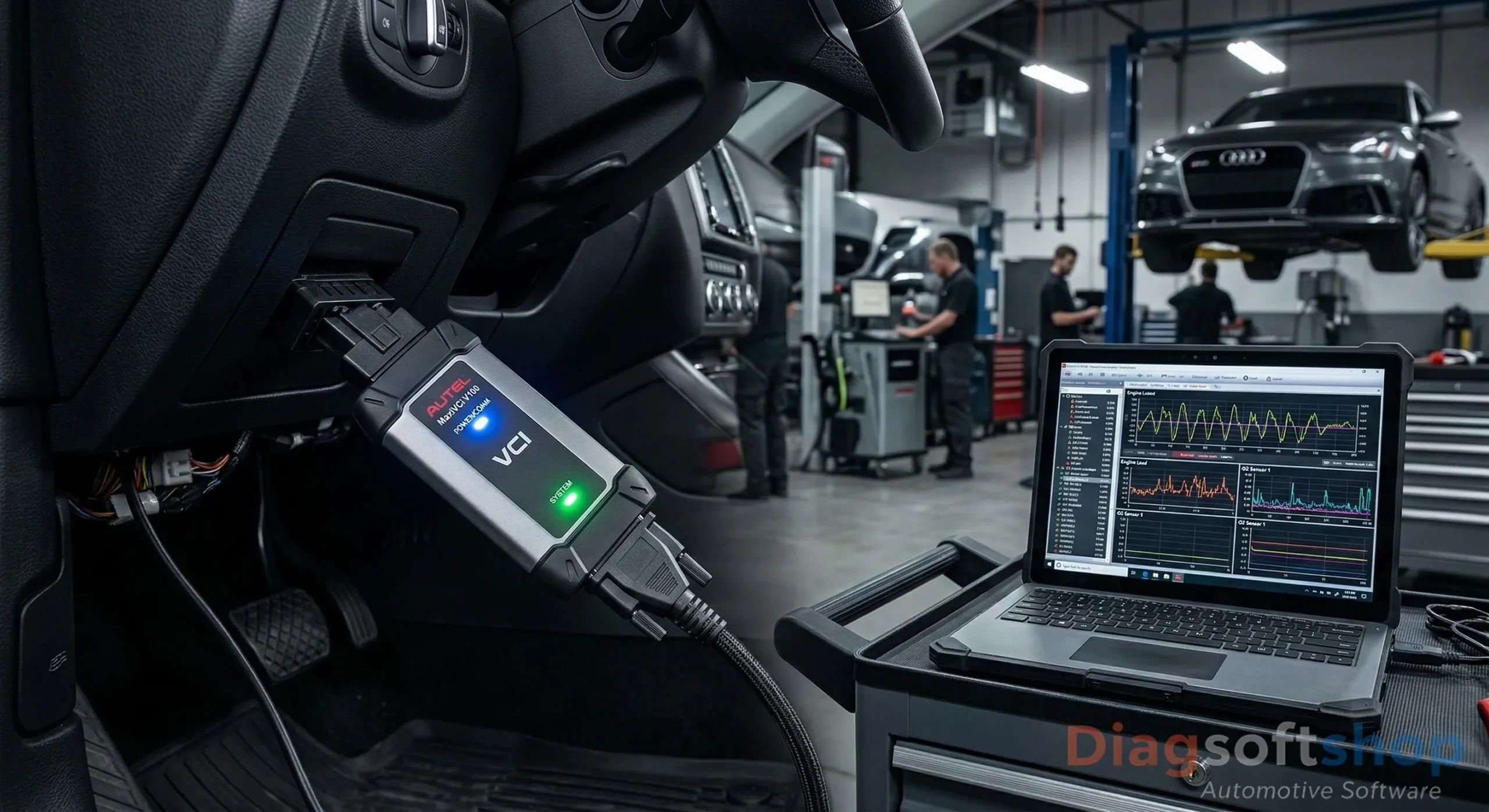
VAG diagnostic guide 2026 SFD 2 unlocking VW Audi DiagSoftShop.

You might hit a brick wall when you try to clear a service light on a 2026 Volkswagen Golf. Similarly, coding a new headlight on a modern Audi A3 is no longer a simple task. Consequently, the days of “plug and play” coding are fading fast. SFD 2 (Schutz Fahrzeug Diagnose) has now replaced them.

At DiagSoftShop, we hear from frustrated professionals every single day. These experts struggle with new digital locks. However, these barriers are not impassable if you have the right knowledge. You also need the correct hardware. To find the latest VAG-compatible interfaces, visit diagsoftshop.com.

The New Reality: SFD 2 and Cloud-Based Coding

By 2026, the VAG Group has fully deployed SFD 2. This version is much stricter than the first one. Indeed, SFD 2 requires a real-time token for almost every modification on the vehicle’s CAN bus.

  • Real-Time Authentication: You must now use an official Geko account. Alternatively, choose a tool that generates SFD 2 tokens automatically.
  • Component Protection (CP) 2.0: Swapping a used radar sensor triggers a lock immediately. Therefore, you must connect to VAG servers to release it.
  • Cyber Security Standards: New regulations require a secure handshake. As a result, your VCI must verify its identity before reading live data.

Choosing the Right Tools for VAG in 2026

Your toolbox must evolve to stay competitive. Specifically, you need tools that handle high-speed data. Here is what we recommend at diagsoftshop.com:

  1. The OEM Choice (VAS 6154A / ODIS): This remains the best option for deep programming. Furthermore, ensure your interface supports DoIP for electric vehicles.
  2. The Fast Alternative (VCDS / VCP): These work perfectly for basic diagnostics on older models. However, always use the latest HEX-V2 hardware for newer protocols.
  3. The Multi-Brand Powerhouse: Tools like Autel MaxiSys now offer integrated SFD unlocking. Thus, they save you the headache of managing tokens manually.

💡 Le Conseil de l’Expert DiagSoftShop

“Always perform a ‘Network Sleep’ cycle after you finish coding an ID.7 or Q4 e-tron. Usually, these modules only accept new parameters after the high-voltage system powers down completely. This process often takes up to 10 minutes.”
FAQ

👉 Can I still use my old VCDS cable on a 2026 Audi?
No, because older cables cannot handle SFD 2 unlocking. Furthermore, they lack the speed for 2026 CAN FD protocols. Consequently, you must upgrade your interface at DiagSoftShop to access most modules.
👉 What is the best way to bypass Component Protection (CP)?
The most reliable method involves using ODIS Online with a Geko login. Although some tools can ‘virginize’ modules, the official online path remains the safest choice for 2026 models.
👉 Does DiagSoftShop provide SFD tokens?
We provide the hardware and software that support the unlocking process. Additionally, your specific tool might require a subscription service. You can find these options directly on our platform.

DaVinci Deluxe 1.0.37: The Ultimate Guide to Automating Your ECU Solutions

DaVinci Deluxe 1.0.37 software interface for DPF EGR and DTC removal DiagSoftShop.

Every tuner or electronic specialist has faced this frustration: spending hours on WinOLS manually searching for a stubborn DTC or a complex AdBlue strategy on a latest-generation ECU. This is exactly where DaVinci Deluxe 1.0.37 changes the game.

At DiagSoftShop, we know that in a busy workshop, time is your most valuable asset. This new 1.0.37 update isn’t just a routine patch; it’s a massive expansion of the database for vehicles released between 2024 and 2026. To secure your official license, visit diagsoftshop.com.

Why Upgrade to Version 1.0.37?

The power of DaVinci lies in its “One-Click” automation. Here is what this version brings to your workstation in 2026:

  • Extended MD1/MG1 Support: Improved algorithms for the latest Bosch ECUs found in BMW, VAG, and Mercedes.
  • New AdBlue/SCR Modules: Critical bug fixes for PSA (Euro 6.4) systems that were problematic in previous versions.
  • Hybrid Start & Stop Optimization: Finer management for disabling this function on Mild-Hybrid (MHEV) vehicles.
  • Ultra-Fast Interface: The internal search engine has been overhauled to identify your Original (ORI) file in less than 2 seconds.

Tutorial: How to Process a File with DaVinci Deluxe

Using DaVinci is straightforward, but precision is key. Follow these steps recommended by the DiagSoftShop technical team:

  1. File Reading: Extract your ORI file using a compatible interface (like those available on diagsoftshop.com).
  2. Importing: Drag and drop the file into the DaVinci 1.0.37 interface. The software automatically detects the protocol.
  3. Selecting Options: Check the desired solutions (DPF Off, EGR Off, Pop & Bang, etc.).
  4. Exporting: Click “Apply” and save your modified (MOD) file.
  5. Writing & Checksum: Flash the file back. Note: While DaVinci corrects checksums on most protocols, always verify with your writing tool.

💡 DiagSoftShop Expert Tip

“Even though DaVinci Deluxe 1.0.37 is extremely reliable, never perform a modification without doing a full diagnostic (DTC scan) first. If a sensor is physically disconnected or shorted, some AdBlue modules might stay in limp mode despite the software ‘Off’ solution.”

FAQ

👉 Does DaVinci Deluxe 1.0.37 require a physical USB dongle?
It depends on your package. At DiagSoftShop, we offer both remote activation and physical dongle versions for maximum security. Version 1.0.37 is optimized to run without conflicts alongside your other diagnostic tools.
👉 Does this software delete Diagnostic Trouble Codes (DTC) selectively?
Yes, this is one of its strongest features. You can choose to delete only the codes related to a specific system (e.g., P20E8 for AdBlue) without masking other important engine faults.
👉 Can I use it on 2026 vehicle models?
Version 1.0.37 includes the latest definitions available as of early 2026. However, for ECUs protected by new manufacturer encryption algorithms, always check the compatibility list on our website.

Droit à la Réparation 2026 : Le séisme qui va libérer les garages indépendants

Droit à la réparation automobile 2026 directive européenne diagnostic libre DiagSoftShop.

Nous sommes en mars 2026, et le compte à rebours est lancé. Dans quelques mois, le 31 juillet précisément, la directive européenne 2024/1799 (le fameux “Right to Repair”) deviendra pleinement applicable. Pour beaucoup de professionnels du diagnostic, c’est la fin d’un combat acharné contre le verrouillage numérique des constructeurs.

Chez DiagSoftShop, nous suivons de près ces évolutions car elles impactent directement votre capacité à travailler. Fini le temps où un constructeur pouvait vous bloquer l’accès à une donnée sous prétexte de “cybersécurité”. La justice européenne a tranché : l’accès aux informations OBD doit être équitable. Pour rester à jour, visitez régulièrement diagsoftshop.com.

Ce que la loi 2026 change concrètement pour votre atelier

La révolution ne se limite pas aux textes juridiques, elle se traduit par des actes concrets sur votre tablette de diagnostic :

  • Interdiction du verrouillage logiciel : Les constructeurs ne peuvent plus utiliser de barrières logicielles (Software Gateway abusifs) pour empêcher une réparation par un tiers indépendant.
  • Accès aux données de batterie (EV) : C’est la grande nouveauté de 2026. Les interfaces devront permettre de lire l’état de santé (SOH) des batteries électriques de manière standardisée.
  • Transparence des prix des pièces : Les fabricants sont désormais obligés de fournir un accès aux pièces détachées à des prix “raisonnables” et non discriminatoires.
  • Extension de garantie après réparation : Toute réparation effectuée prolonge la garantie légale de 12 mois, valorisant enfin le travail de qualité des indépendants.

L’IA et le Cloud : Les nouveaux alliés de DiagSoftShop

En parallèle de cette loi, l’industrie bascule vers le Software-Defined Vehicle (SDV). En 2026, votre VCI n’est plus un simple lecteur de codes, c’est une passerelle vers le Cloud. Les diagnostics prédictifs alimentés par l’IA permettent désormais d’anticiper une panne avant même que le client ne s’en aperçoive.

Chez diagsoftshop.com, nous intégrons déjà ces protocoles de nouvelle génération pour que vous ne soyez jamais pris au dépourvu face à un véhicule ultra-connecté.

💡 Le Conseil de l’Expert DiagSoftShop

“Avec l’arrivée du Right to Repair en juillet, attendez-vous à une vague de mises à jour logicielles massives. Assurez-vous que votre matériel supporte le protocole J2534 révisé 2026 pour profiter pleinement de l’ouverture des serveurs constructeurs sans payer de licences abusives.”

FAQ

👉 Les constructeurs peuvent-ils encore invoquer la loi Cyber (R155) pour me bloquer ?
La Cour de Justice Européenne a clarifié ce point en 2025/2026 : la cybersécurité ne peut pas être une excuse pour restreindre l’accès aux données OBD nécessaires à la réparation. Les indépendants doivent avoir le même niveau d’accès que les concessionnaires.
👉 Est-ce que cette loi concerne aussi les véhicules électriques ?
Absolument. En 2026, de nouvelles normes imposent une interface de diagnostic unifiée pour les batteries EV. Vous pourrez enfin vérifier l’isolation et la santé des cellules sans passer par l’outil propriétaire de la marque.
👉 Mon matériel actuel sera-t-il compatible avec ces nouveaux accès ?
Si votre interface supporte le CAN FD et le DoIP, vous êtes sur la bonne voie. Cependant, une mise à jour logicielle sera cruciale pour dialoguer avec les nouveaux serveurs sécurisés mis en place par les constructeurs suite à la directive.

Choisir la Meilleure VCI en 2026 : La Révolution Hardware est là

Interface VCI diagnostic automobile moderne compatible CAN FD et DoIP

Imaginez la scène : un client arrive avec un SUV de 2025 pour une mise à jour de module ADAS ou une programmation de boîte de vitesses. Vous branchez votre ancienne interface VCI, et là… c’est le blocage. Temps de réponse interminables, protocole non reconnu ou échec de communication. Chez DiagSoftShop, nous voyons ce scénario de plus en plus souvent.

Le parc automobile a muté. Les véhicules modernes ne “parlent” plus le même langage qu’il y a cinq ans. Pour rester compétitif, votre matériel doit suivre. Heureusement, diagsoftshop.com vous guide à travers cette transition technologique pour transformer chaque diagnostic en succès immédiat.

Pourquoi votre ancienne VCI ne suffit plus ?

En 2026, trois standards dictent la loi dans les ateliers. Si votre boîtier ne les supporte pas nativement, vous fermez la porte à 40 % des véhicules récents :

  • Le CAN FD (Flexible Data-rate) : Indispensable pour les véhicules GM, Ford et les nouvelles plateformes européennes. Il est jusqu’à 8 fois plus rapide que le CAN classique.
  • Le DoIP (Diagnostics over Internet Protocol) : Utilisé massivement par BMW (châssis F/G), Volvo, Land Rover et Mercedes. Sans lui, impossible de flasher des modules multimédias ou de sécurité.
  • Le J2534 Pass-Thru enrichi : La norme pour utiliser les logiciels constructeurs (OEM) directement depuis votre PC. En 2026, une VCI comme la Topdon RLink ou les dernières VXDIAG doit offrir une stabilité parfaite pour éviter de “bricker” un calculateur.

Le Top Hardware sélectionné par DiagSoftShop

Pour répondre à ces besoins, nous avons testé les solutions qui dominent le marché cette année. Voici nos recommandations pour équiper votre garage :

  1. Le polyvalent ultime : TOPDON RLink J2534. C’est le couteau suisse. Il gère le DoIP, le CAN FD et offre une compatibilité OEM impressionnante (VW, Toyota, Honda, Ford…).
  2. La puissance brute : Autel MaxiFlash VCI. Idéal pour ceux qui veulent une intégration parfaite avec les tablettes haut de gamme et une stabilité de signal sans faille.
  3. L’alternative spécialisée : VNCI (VAG/Renault/PS). Pour les ateliers qui se concentrent sur des marques spécifiques, ces interfaces dédiées offrent souvent des fonctions de codage plus profondes.

💡 Le Conseil de l’Expert DiagSoftShop

“Ne négligez jamais votre alimentation stabilisée lors de l’utilisation d’une VCI en mode Pass-Thru. En 2026, les calculateurs sont si sensibles que la moindre chute de tension pendant un flashage via DoIP peut être fatale. Une bonne VCI n’est rien sans un courant constant.”

Prêt pour le futur ?

Le choix de votre interface définit la limite de ce que vous pouvez réparer. En investissant dans du matériel compatible avec les protocoles de 2026, vous assurez la pérennité de votre activité. Retrouvez notre sélection complète et nos packs logiciels sur diagsoftshop.com pour passer au niveau supérieur.

FAQ

👉 Est-ce que le CAN FD est vraiment nécessaire pour les voitures d’avant 2020 ?
Non, les véhicules plus anciens utilisent le CAN standard. Cependant, si vous prévoyez de travailler sur des modèles GM, Ford ou certains modèles récents du groupe VAG à partir de 2021, une interface compatible CAN FD est indispensable pour accéder à tous les calculateurs.
👉 Quelle est la différence entre une VCI Bluetooth et USB en 2026 ?
Le Bluetooth 5.1 actuel est très stable pour le diagnostic rapide et la lecture de données. Toutefois, pour la programmation ECU (Pass-Thru), DiagSoftShop recommande toujours une connexion filaire USB pour garantir zéro latence et éviter toute déconnexion accidentelle.
👉 Puis-je utiliser une VCI multimarque avec n’importe quel logiciel constructeur ?
Oui, à condition qu’elle soit certifiée SAE J2534. Mais attention, toutes ne se valent pas. Certaines interfaces bas de gamme peuvent échouer sur certains protocoles spécifiques. Chez DiagSoftShop, nous testons chaque VCI pour garantir sa compatibilité réelle.

Step-by-Step Car Diagnostic Software Installation Tutorial (2026)

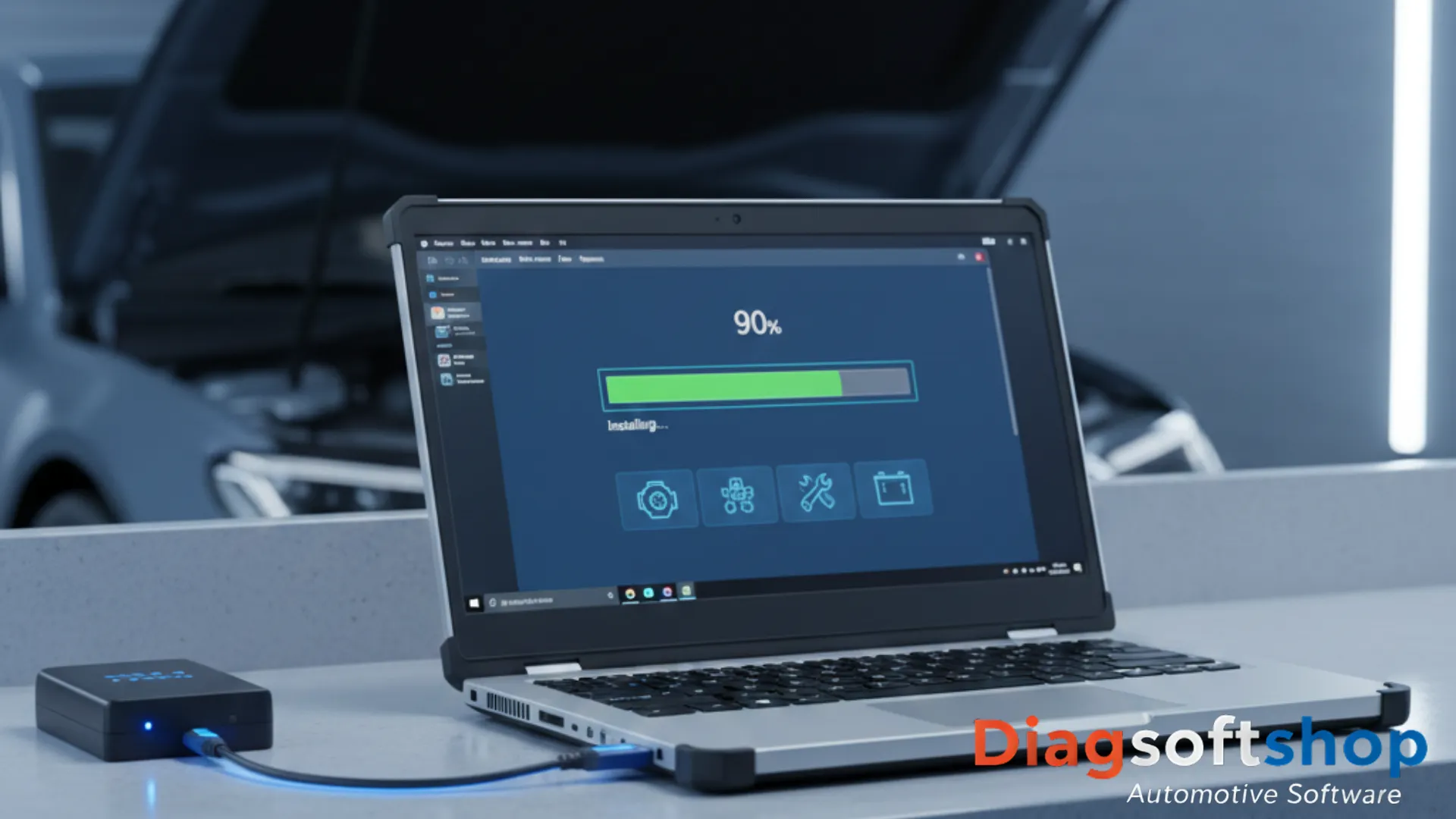
Screenshot tutorial of a car diagnostic software installation interface on a rugged laptop.

The Ultimate Car Diagnostic Software Installation Tutorial: 2026 Edition

Installing professional tools can be a daunting task due to complex drivers and security protocols. This car diagnostic software installation tutorial is designed to simplify the process for both beginners and experienced technicians. At DiagSoftShop, we ensure that our software packages are optimized, but following the correct sequence is vital for a stable connection to the vehicle.

Pre-Installation Requirements

Before starting, ensure your laptop meets the minimum technical specifications. For 2026 versions of Xentry, ISTA, or ODIS, we recommend at least 16GB of RAM and a dedicated SSD.

  1. Disable Antivirus Temporarily: Some diagnostic scripts are flagged as false positives.
  2. Windows Updates: Ensure your OS is fully updated to support the latest .NET Frameworks.
  3. Power Supply: Always keep your laptop connected to a charger during the installation process.

Step-by-Step Configuration

The core of this car diagnostic software installation tutorial lies in the driver configuration. Most connection issues arise from incorrect COM port settings or outdated J2534 drivers.

  • Step 1: Run the main installer as an Administrator.
  • Step 2: Install the specific VCI drivers (DoIP or CAN-FD) provided in your DiagSoftShop download link.
  • Step 3: Configure the connection settings within the software to match your hardware interface.

FAQ: Software Troubleshooting

Q: My VCI is not detected by the software? A: Check your Device Manager in Windows. If you see a yellow triangle next to the USB device, the driver was not installed correctly.

Q: Does this software work on Windows 11? A: Yes, all our 2026 software packages are fully compatible with Windows 11 Pro, provided that S-Mode is disabled.

Automotive Diagnostic Industry News 2026: The Future of Repair

Modern automotive workshop featuring AI diagnostic screens and futuristic vehicle scanning technology.

Automotive Diagnostic Industry News 2026: Adapting to the Software Era

The landscape of vehicle maintenance is shifting rapidly, and staying informed with the latest automotive diagnostic industry news 2026 is essential for every professional. We are seeing a move away from simple mechanical repairs toward complex software-defined vehicle architectures. At DiagSoftShop, we track these global trends to ensure our clients always have access to the most advanced tools and information.

The Integration of AI in Professional Diagnostics

One of the most significant updates in automotive diagnostic industry news 2026 is the integration of Artificial Intelligence within scan tools. Modern VCI interfaces now work alongside cloud-based AI to analyze live data streams in real-time. This technology helps technicians identify intermittent electrical faults that were previously nearly impossible to trace without hours of manual labor.

Cybersecurity and the Evolution of Gateway Access

As vehicles become more connected, cybersecurity has become a top priority for manufacturers like BMW, Mercedes, and Audi. Recent automotive diagnostic industry news 2026 highlights the expansion of Security Gateways (SGW) across almost all new models. For independent garages, this means that having a VCI that supports official OEM authentication is no longer a luxury but a strict requirement for basic service tasks.


FAQ: Industry News 2026

Q: Why is cloud-based diagnostic software becoming the standard? A: Cloud platforms allow for instant updates to vehicle databases and technical bulletins. Ensuring that your workshop always has the latest coding files without manual downloads.

Q: Will 2026 vehicles require more specialized hardware? A: Yes, the shift toward Ethernet-based communication (DoIP). And CAN-FD protocols means that older generation multiplexers will soon become obsolete for modern vehicle fleets.

BMW and Mercedes diagnostic guide

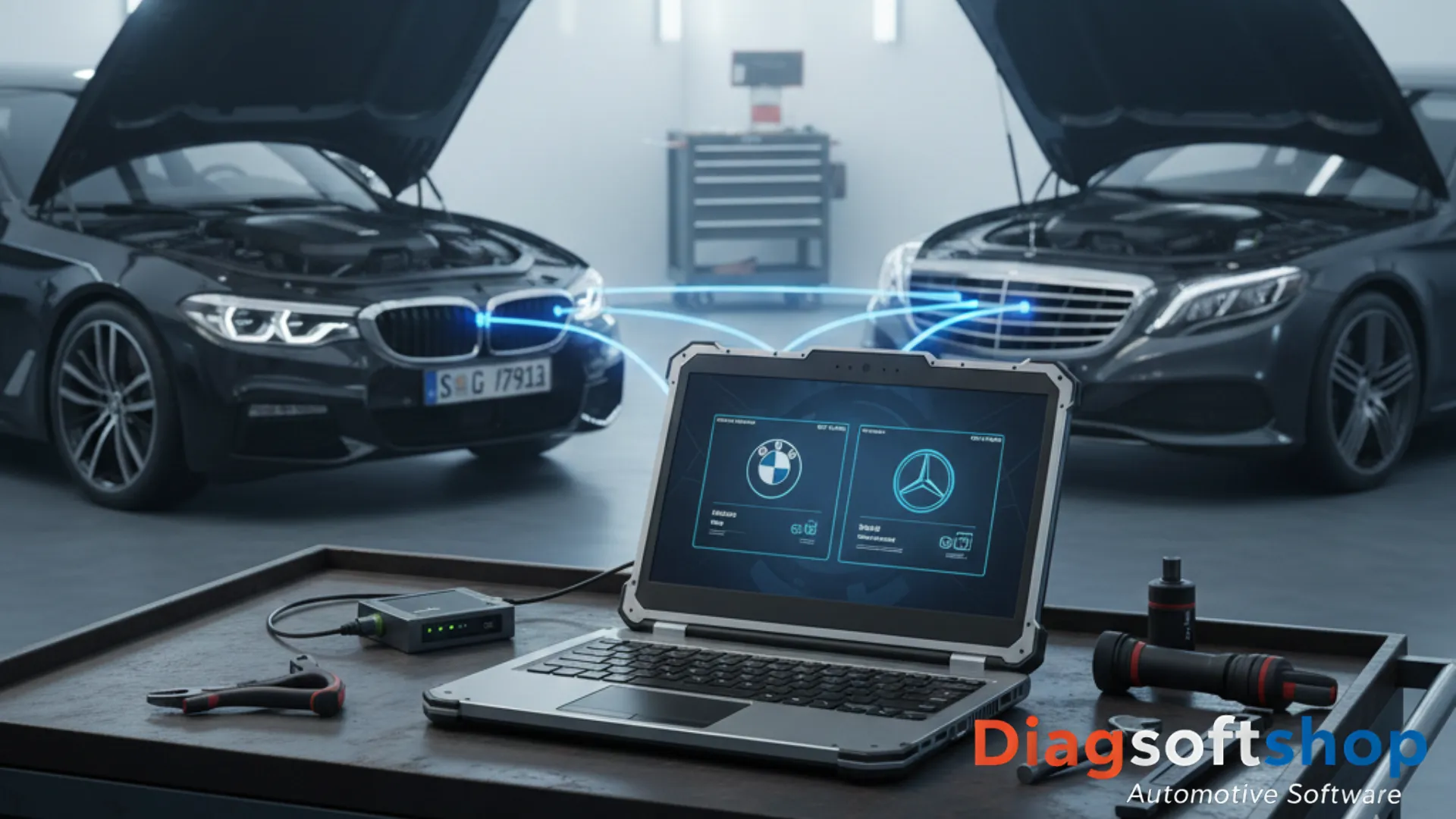
A professional technician using a diagnostic tablet on a modern BMW and Mercedes engine.

The Professional BMW and Mercedes Diagnostic Guide: Mastering German Engineering

Modern German vehicles are technological marvels, but they require specialized knowledge to service correctly. This BMW and Mercedes diagnostic guide focuses on the transition to highly secure architectures and the tools you need to bypass modern restrictions. At DiagSoftShop, we provide the hardware and software expertise to ensure you can perform dealer-level adaptations in your own workshop.

The Rise of Security Gateways (SGW) in 2026

Manufacturers have introduced Security Gateways to prevent unauthorized access to the vehicle’s internal networks. To perform even basic service resets on newer models, your diagnostic interface must be able to authenticate with the OEM servers. This BMW and Mercedes diagnostic guide emphasizes using certified J2534 interfaces that support official bypass protocols, allowing you to unlock the firewall safely.

Software Specifics: ISTA vs. Xentry

Understanding the difference between manufacturer platforms is key to efficient repair.

  • BMW ISTA: Highly intuitive but requires high-speed DoIP connections for G-series and I-series vehicles.
  • Mercedes Xentry: Demands precise multiplexer configuration (like the SD Connect series). To handle the complex fiber-optic networks found in luxury sedans. Using our BMW and Mercedes diagnostic guide, you can avoid the common pitfalls of “generic” scanners that often fail to read specialized module fault codes (DTCs).

FAQ: Vehicle Specific Diagnostics

Q: Why can’t I clear codes on a 2025 Mercedes-Benz? A: It is likely blocked by the Security Gateway. You need an authorized tool or a hardware bypass module to gain “Write” access to the ECU.

Q: Do I need a different VCI for BMW and Mercedes? A: While some high-end multi-brand interfaces work, using a dedicated J2534 Passthru device is the most reliable way to ensure 100% compatibility with both ISTA and Xentry.

How to Install Car Diagnostic Software on Windows 11 | 2026 Guide

Step-by-step installation of car diagnostic software on a professional laptop.

    Choosing the Best VCI for Car Diagnostics: The 2026 Hardware Revolution

    In the automotive world, your diagnostic software is only as powerful as the interface connecting it to the vehicle. Selecting the best VCI for car diagnostics has become more complex with the introduction of new communication protocols. At DiagSoftShop, we analyze the hardware requirements you need to service 2025 and 2026 models without limitations.

    Why DoIP and CAN-FD Support is Mandatory

    If you are still using a standard K-Line or low-speed CAN interface, you are missing out on most modules in modern vehicles. The best VCI for car diagnostics must now support:

    • DoIP (Diagnostics over IP): Required for flashing and heavy data transfer in Volvo, Land Rover, and BMW G-Series.
    • CAN-FD: The new standard for high-speed communication in GM, Ford, and newest VAG models.

    J2534 Passthru: The Professional Standard

    For technicians performing dealer-level programming, a J2534 Passthru device is indispensable. This hardware allows your laptop to communicate directly with OEM servers for official software updates and module coding. Investing in high-quality J2534 hardware ensures long-term compatibility with official dealer software like ODIS, ISTA, or Xentry.


    FAQ: VCI & Hardware

    Q: Can I use a cheap ELM327 for professional coding? A: No. Cheap clones lack the specialized chips required for stable coding and can potentially crash an ECU during a writing session.

    Q: What is the advantage of a wireless VCI? A: Bluetooth and Wi-Fi VCIs provide mobility in the workshop, but for heavy ECU flashing, a USB wired connection is always recommended for maximum stability.